
How to Write a Perfect YouTube Title That Ranks Your Video Faster
What You’ll Learn
- Why YouTube titles actually matter for ranking
- The anatomy of a title that ranks
- Common mistakes killing your reach
- Real before/after title examples
- A simple formula you can use today
Why Your Title Is More Powerful Than You Think
Most creators treat the title as an afterthought. They finish editing, upload the video, type something quick, and hit publish. I used to do the same thing. Big mistake.
YouTube’s algorithm reads your title to understand what your video is about. It uses that information to decide who to show it to. If your title is vague, generic, or stuffed with clickbait that doesn’t match your content — YouTube stops pushing it. Simple as that.
But here’s what’s even more important: your title determines whether a real person clicks on your video or scrolls past it. You could rank on page one and still get zero clicks if the title doesn’t speak directly to what the viewer is searching for.
“YouTube is a search engine. Treat your title like a Google keyword — but write it like a human.”
The Anatomy of a Title That Actually Ranks
After testing dozens of titles across different niches, I noticed that high-performing titles almost always share the same structure. Here’s what that looks like:
1. Lead With the Keyword
Put your main keyword at the beginning of the title — not the end. YouTube gives more weight to words that appear early. If your target keyword is “YouTube title generator,” don’t bury it at the end after a clever phrase. Lead with it.
2. Add a Specific Benefit or Result
People aren’t searching for videos — they’re searching for outcomes. They want more views, faster growth, less effort. Your title needs to promise a specific result, not just describe what the video is about.
3. Keep It Under 60 Characters
YouTube cuts off titles in search results after roughly 60 characters. If your title is too long, the most important part might get hidden. Keep it tight, keep it visible.
Use our free YouTube Title Generator to instantly create SEO-optimized titles under 60 characters — no guesswork needed.
4. Use Numbers When Possible
Numbers create instant specificity. “5 Ways to…” performs better than “Ways to…” every single time. The brain processes numbers faster than words and they make your title feel more trustworthy and actionable.
5. Create Curiosity Without Clickbait
There’s a fine line between curiosity and clickbait. Curiosity makes someone want to watch. Clickbait makes someone feel tricked — and YouTube notices when viewers leave quickly (high bounce rate = bad signal).
Common Title Mistakes That Kill Your Reach
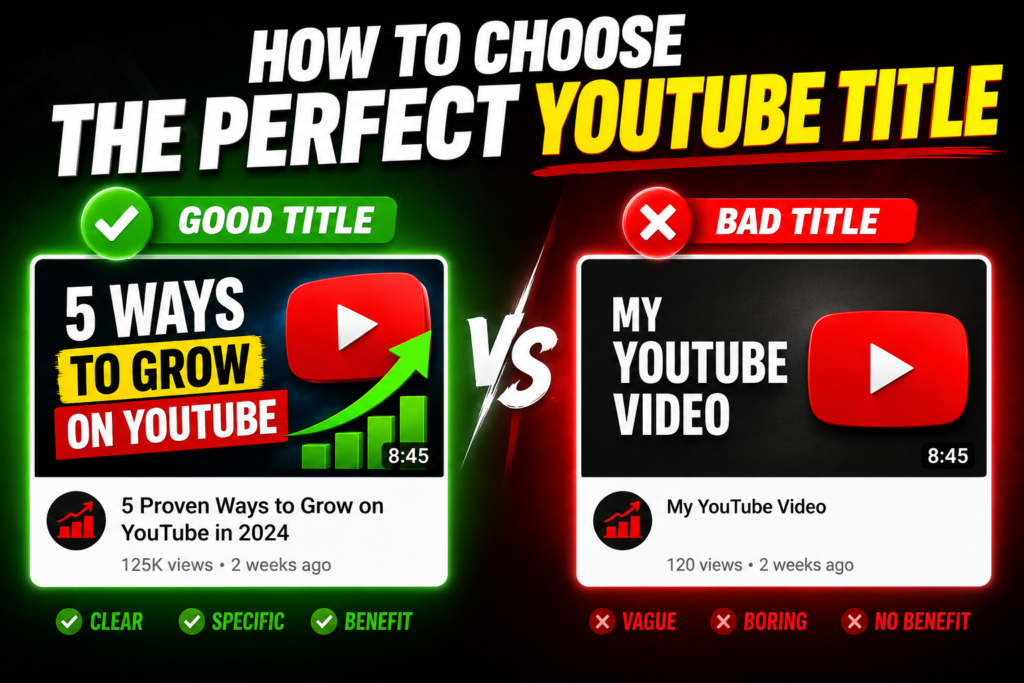
I see these mistakes constantly — and I made most of them myself when I started out.
- Using your channel name in the title. YouTube already shows your channel name. Don’t waste precious characters repeating it.
- Being too clever. Puns and wordplay feel creative to you but confuse the algorithm. Be clear first, creative second.
- Ignoring search volume. If nobody is searching for that phrase, nobody will find your video. Use tools like TubeBuddy or VidIQ to check before you publish.
- All caps titles. “HOW TO MAKE MONEY ONLINE” looks spammy. It might have worked in 2015. Not anymore.
- Changing titles too often. Every time you change a title, YouTube resets some of its ranking signals. Pick a strong title before you publish and stick with it.
A Simple Title Formula You Can Use Right Now
If you want a reliable starting point every single time, use this formula:
This formula works because it hits all three things at once: it tells YouTube what the video is about, it tells the viewer what they’ll get, and it creates enough specificity to feel trustworthy.
How to Test If Your Title Is Working
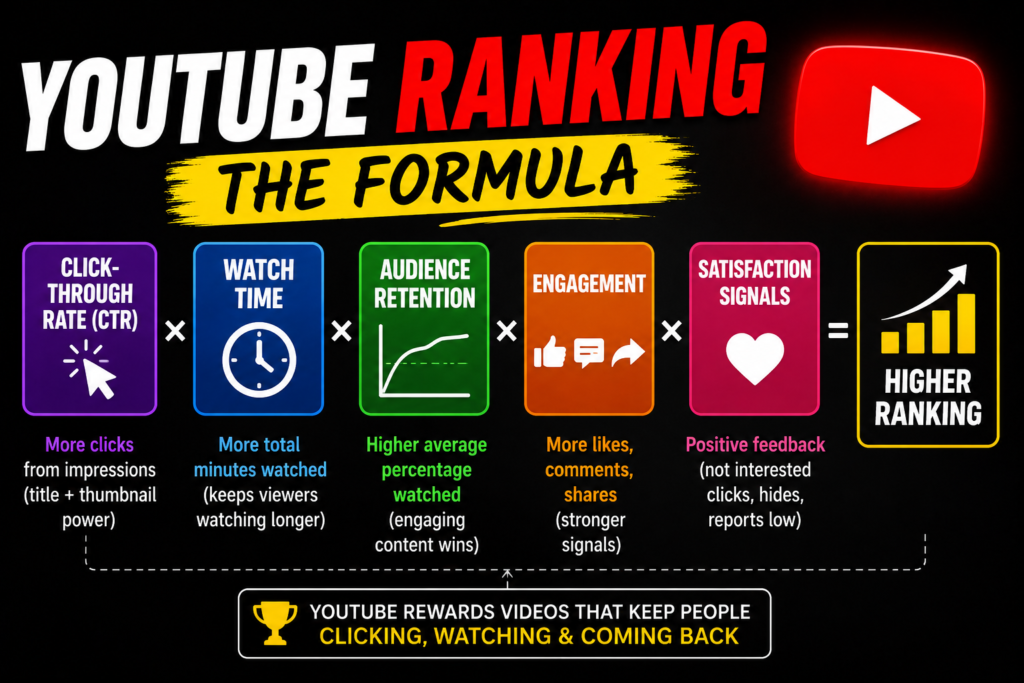
After publishing, check your YouTube Studio analytics after 48–72 hours. Look at your Click-Through Rate (CTR). A healthy CTR for most channels is between 4–8%. If yours is below 3%, your title (or thumbnail) isn’t connecting with viewers.
You can also use YouTube’s A/B title testing feature (available through TubeBuddy) to test two versions of a title against each other on the same video. This is genuinely one of the fastest ways to learn what works for your specific audience.
Final Thoughts
Writing a great YouTube title isn’t about gaming the algorithm — it’s about clearly communicating value to a real person who has a real problem they want solved. When you do that well, the algorithm rewards you automatically.
Start with your keyword. Add a specific benefit. Keep it under 60 characters. And never publish a video without spending at least 5 minutes on the title. It’s the highest-ROI thing you can do before hitting upload.
If you want to skip the guesswork entirely, try our free YouTube Title Generator — it’s built specifically to help beginners create titles that are both SEO-friendly and human-readable, in seconds.
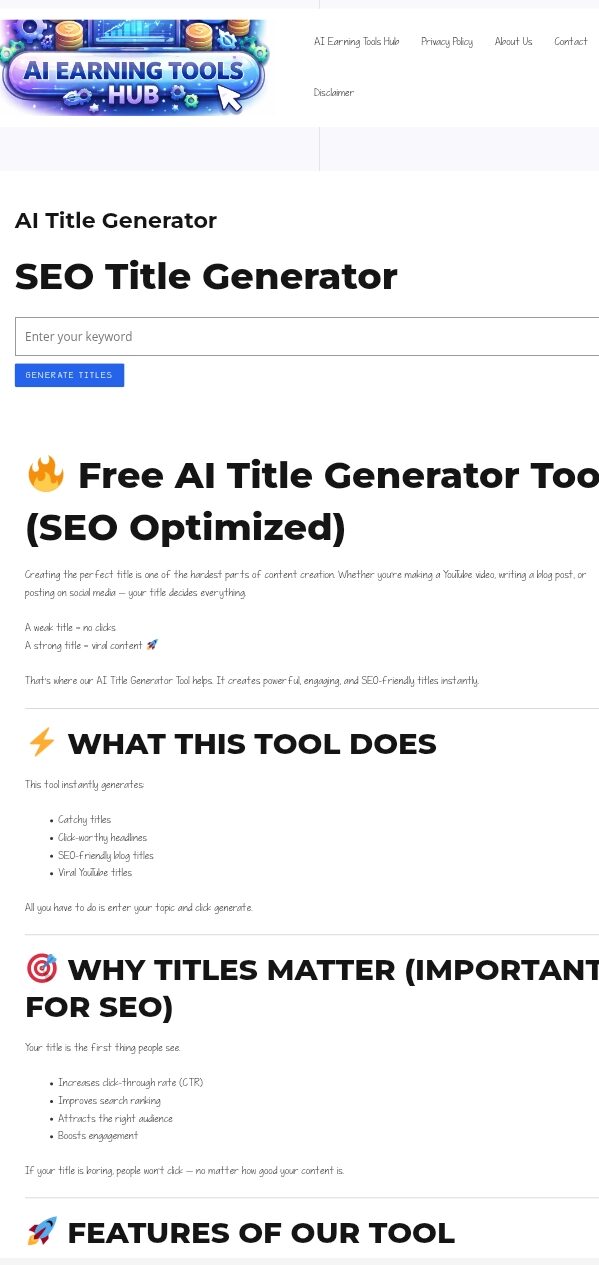
Generate Your Perfect YouTube Title Free
No signup needed. Just enter your topic and get optimized title ideas instantly.
Read Our Latest Blog on Affiliate Marketing